
This article is general information, not medical advice. If pain is severe, lasting or getting worse, talk to a doctor. Read our health disclaimer.
Can simple habits replace expensive office gear? Sometimes they can replace an unnecessary purchase, but they cannot make every unsuitable workstation fit. OSHA’s computer-workstation eTool says simple, inexpensive principles can improve a workstation. HSE’s 2025 home-working guidance also says office-type furniture is not always necessary, while warning that home furniture may still be unsuitable.
Can Simple Habits Replace Expensive Office Gear? The Short Answer
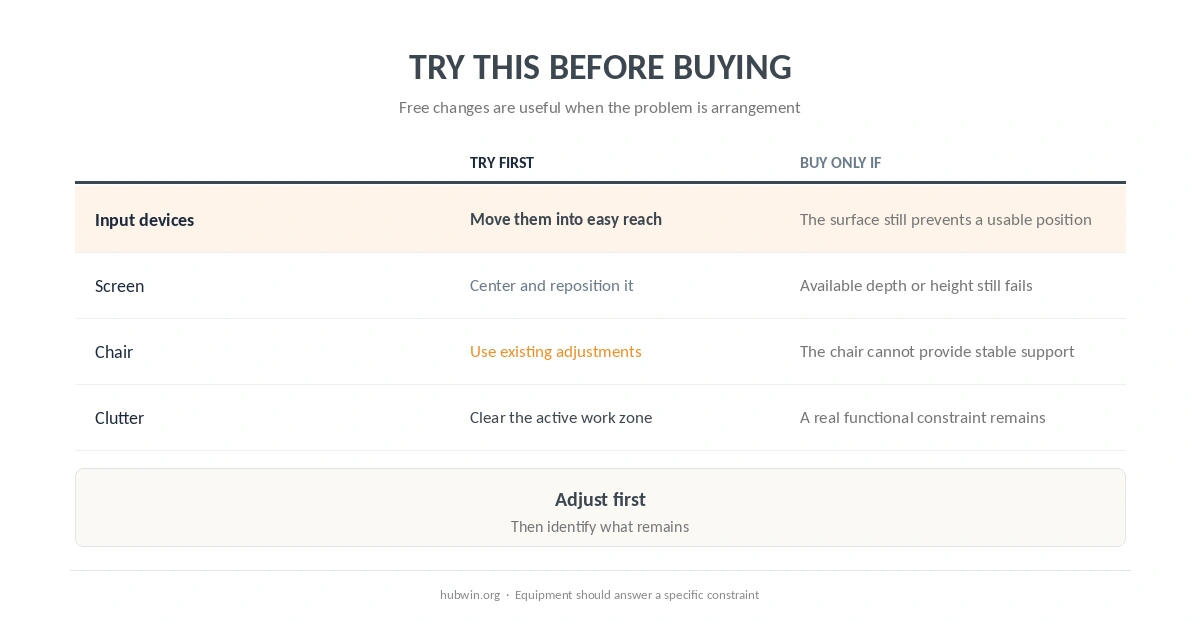
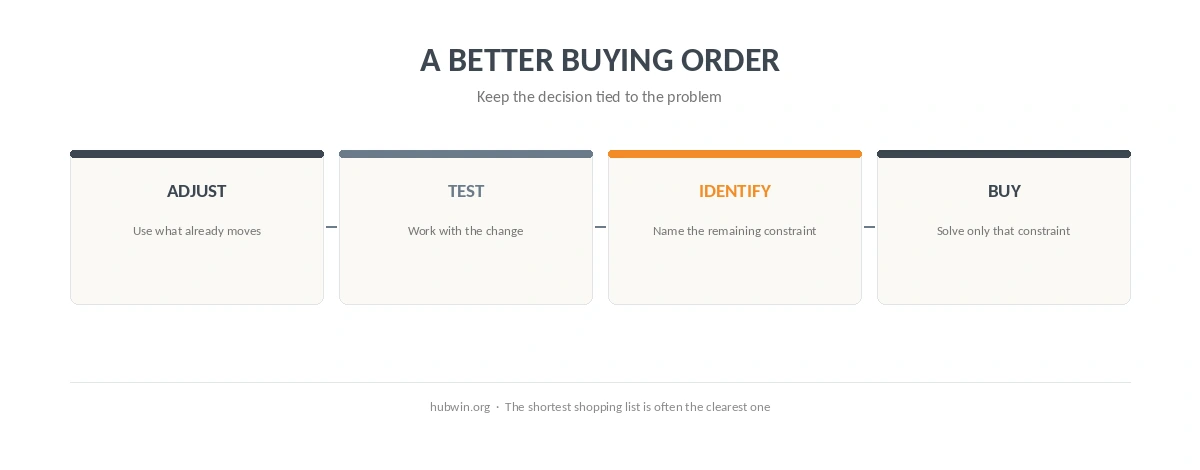
The useful distinction is between a behavior problem and a fit problem. If the mouse sits far away, moving it beside the keyboard may solve the issue without buying anything. If the desk is so high that your shoulders stay raised even after chair adjustments, a habit cannot change the desk geometry. The simple ergonomic changes guide and budget ergonomics guide use the same order: adjust first, then buy for a specific constraint.
Price is also a weak proxy for fit. Our expensive office chair myth guide explains why a higher price does not automatically produce better outcomes. Likewise, chair vs desk shows that the workstation works as a system rather than as one premium object.

Where Simple Habits Can Replace Expensive Office Gear
Can simple habits replace expensive office gear when the problem is placement or routine? Often, yes. OSHA recommends keeping the keyboard directly in front, the shoulders relaxed, and the mouse close to the keyboard. Those are arrangement choices. The keyboard and mouse position guide gives the full setup without assuming you need new input devices.
Another place where simple habits can replace expensive office gear is routine screen placement and work rhythm. Re-centering a screen can be more useful than buying another accessory, while short changes of activity can break up long computer blocks. See the monitor-height guide and microbreak guide for the source-backed details.
| Situation | Try before buying | When equipment may still matter |
|---|---|---|
| Mouse or keyboard is awkward to reach | Move the devices into the primary reach zone | The fixed work surface still prevents a usable position |
| Screen is off-center | Move and center the display | Available depth or height cannot support the display |
| Chair feels poorly supported | Use existing adjustments and available support | The chair cannot provide stable support for the task |
| Desk accumulates accessories | Remove items that do not serve current work | A real functional constraint remains after cleanup |
Where Habits Cannot Replace the Workstation
The final test of whether simple habits can replace expensive office gear is whether the remaining problem is still physical after reasonable adjustments. Habits are not a substitute for missing adjustability. HSE says home workers may not need office furniture, but it also says an employee’s own furniture may be unsuitable or insufficient. NIOSH’s 2020 home-work guidance makes a similar distinction: improvised solutions can help, yet the work area still needs to support the task.
Therefore, use a checklist before deciding that either “habits are enough” or “better gear solves everything.” The home office ergonomics checklist helps identify the actual mismatch. Then use the chair adjustment guide, common home-office mistakes only for the part that needs attention.
For a broader buying filter, the minimal setup guide separates core needs from optional equipment. That keeps the decision tied to the task rather than to a longer shopping list.
How We Research
HubWin read OSHA’s Computer Workstations eTool, HSE home-worker DSE guidance, and NIOSH Working from Home guidance. We rechecked these sources on October 8, 2026. The sources support adjustment, fit and task-specific equipment decisions; they do not support the idea that price alone makes a workstation better. Learn how HubWin researches articles.
FAQ
Not always. Arrangement and routine can solve some problems, but HSE says existing home furniture can also be unsuitable or insufficient.
Start with placement: chair adjustments, keyboard and mouse reach, screen position, and clearing the primary work zone.
No. Price is not a fit test. The equipment still has to match the person, work surface and task.
Yes, if the basic workstation relationships are workable. HSE explicitly says office-type furniture is not always necessary at home.
Buy when a clear constraint remains after reasonable adjustments and the new item directly solves that constraint.
The Bottom Line
Can simple habits replace expensive office gear? They can replace purchases that only duplicate an adjustment you could make for free. However, they cannot replace equipment when the physical setup cannot support the task. Start with the essential home office setup, identify the constraint, and spend only after the reason is clear.