
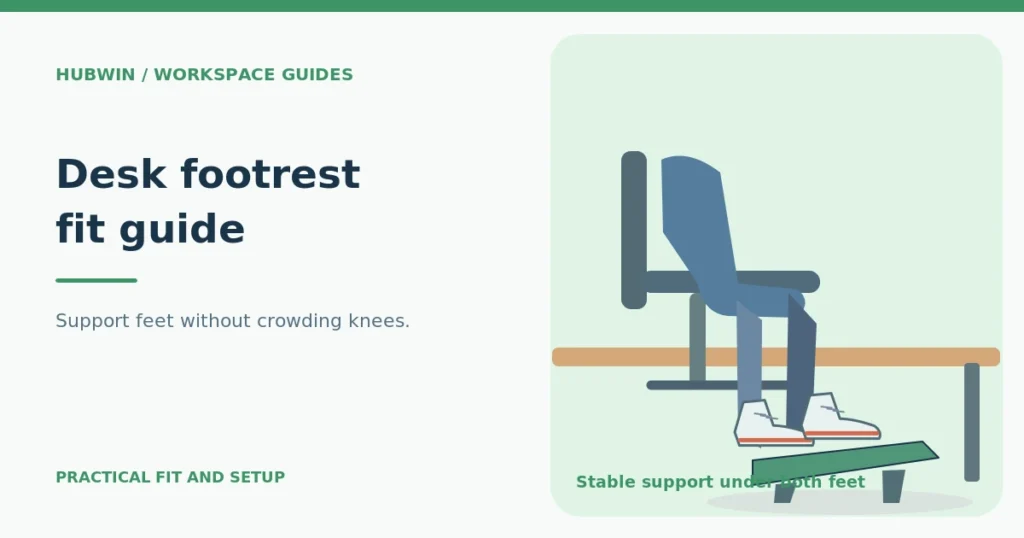
Desk Footrest Fit Guide: Height, Tilt, Stability and Chair Setup
A chair-first footrest guide showing whole-foot support, adjustable versus fixed designs, leg clearance and safe fit checks.
A chair-first footrest guide showing whole-foot support, adjustable versus fixed designs, leg clearance and safe fit checks.
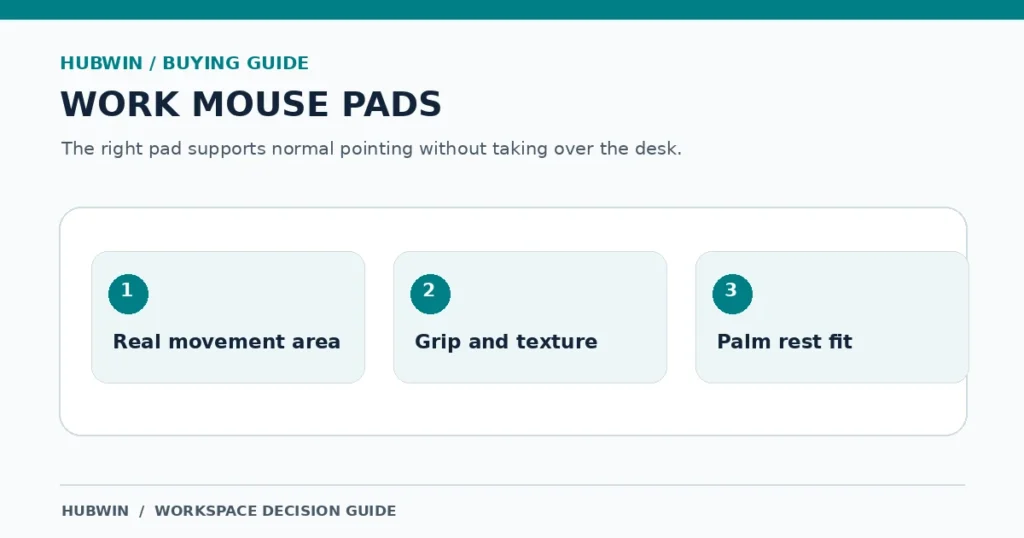
A mouse-pad selection checklist covering desk space, tracking surface, base grip, and when a palm rest helps or gets in the way.

A practical guide to mouse shapes, hand fit, reach, settings, and what to test before buying—without assuming one device suits everyone.

Alternative keyboard shapes can change wrist and forearm position, but no keyboard design guarantees comfort or prevents injury for every user.

A monitor arm is not automatically more ergonomic than a stand. The better support is the one that puts the screen in a workable position and keeps it stable.
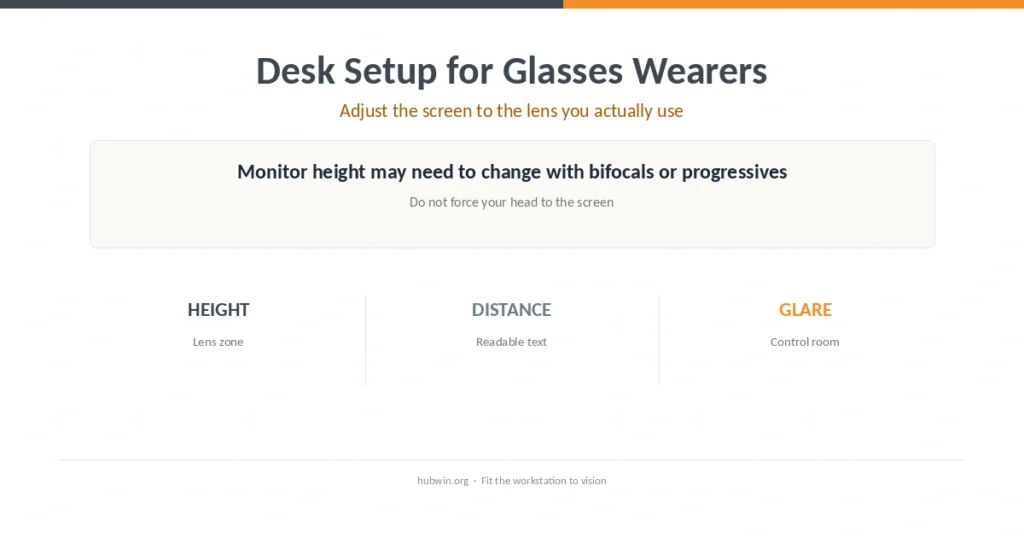
Bifocal, progressive, and computer-specific lenses can change where a screen feels clear. Adjust the screen to the lens rather than holding an awkward head position.

A dining chair cannot become fully adjustable, but you can improve the chair-to-desk fit by supporting the feet, back, and input-device position.

A better desk layout keeps frequent tools close to the body and moves occasional items outward so reaching does not become the default posture.

Armrests work best when they lightly support the lower arms without lifting the shoulders or blocking the chair from moving close to the desk.

A floor-up adjustment sequence for shorter users, especially when a fixed desk forces the chair higher than the feet can comfortably reach.