

Ergonomic Setup for Tall People: How to Adjust It
Tall users often need more adjustment range, not a different set of ergonomic principles. Start with clearance, seat fit, work height, and screen position.
Tall users often need more adjustment range, not a different set of ergonomic principles. Start with clearance, seat fit, work height, and screen position.

Neutral wrists come from the whole workstation, not from forcing your hands flat. Use keyboard height, reach, tilt, and mouse placement together.

Choose a monitor layout by primary task, screen-use frequency and input-device alignment rather than by screen count.
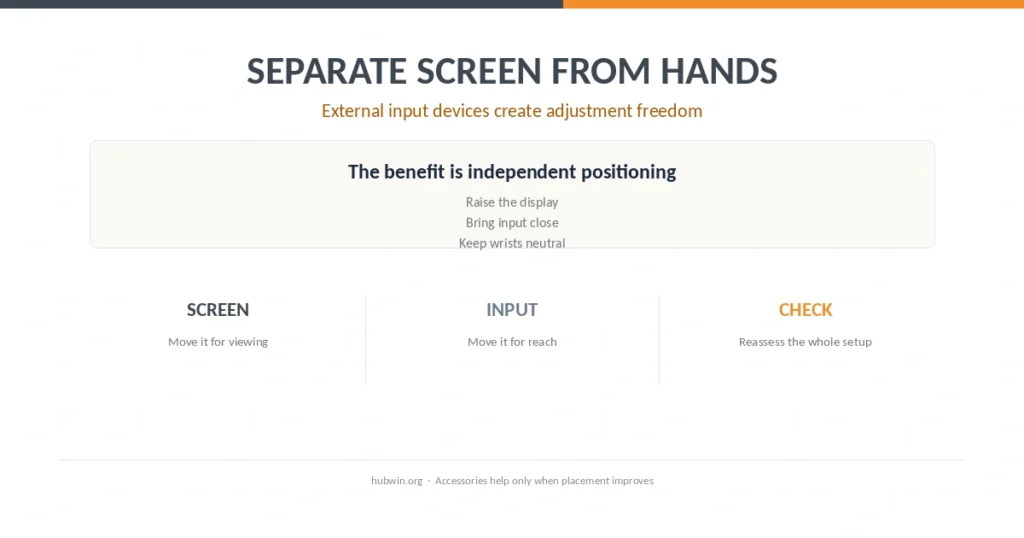
External input devices can solve the laptop screen-and-keyboard tradeoff, but only if the keyboard and mouse stay in easy reach.

A laptop stand helps with screen position, but prolonged work still needs the keyboard, mouse, chair and desk to fit together.
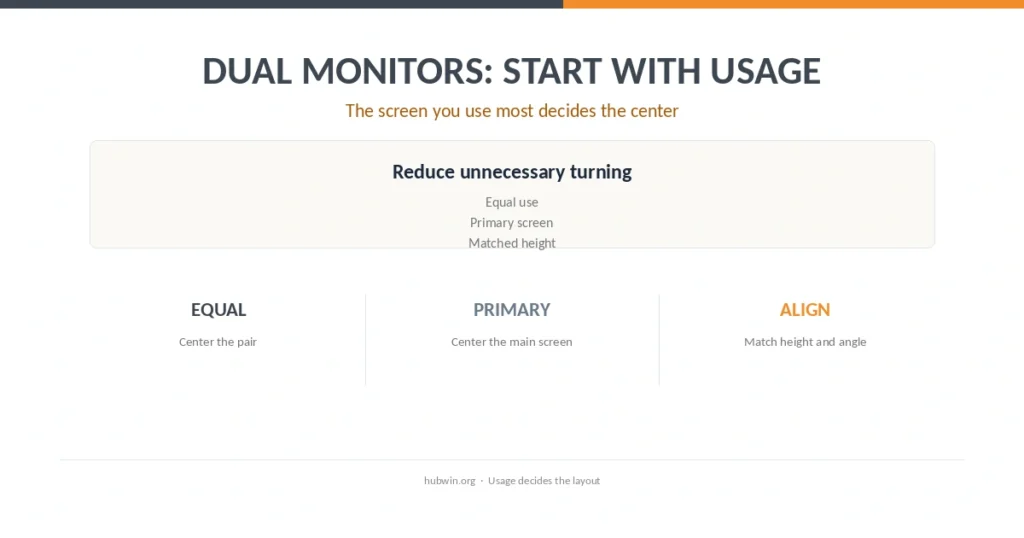
Set up two monitors according to how often you use each one, then match height, distance and the rest of the workstation.
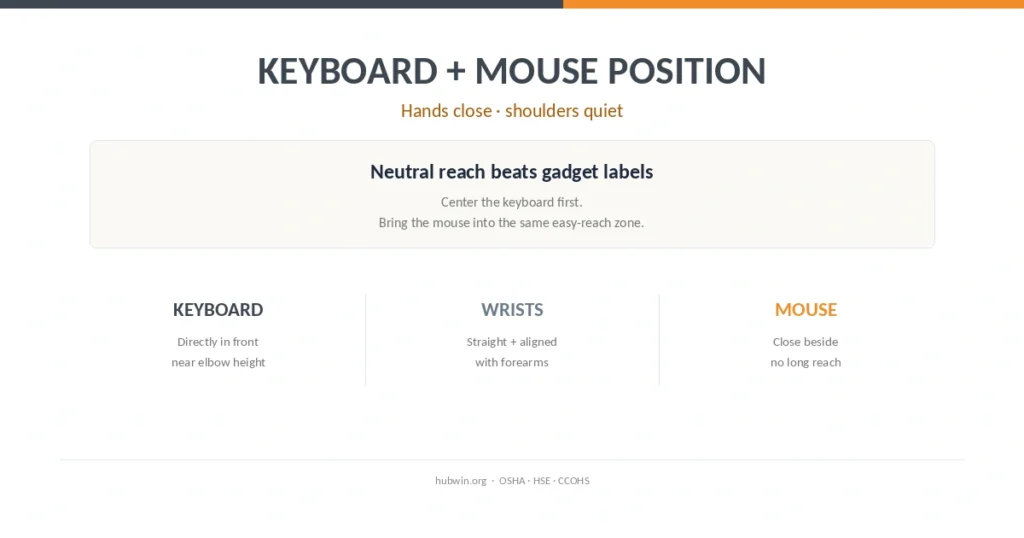
Official ergonomics guidance agrees on the basics: center the keyboard, keep the mouse close, relax the shoulders and keep wrists in line with the forearms.

Adjust the chair to your body first, then fit the desk to the chair. Official guidance supports a clear order: feet, seat, backrest, armrests and work surface.

A laptop couples the screen and keyboard, so prolonged desk work often needs separate input devices, an elevated screen or an external display.

The best sitting desk height is a body-fit relationship, not one universal number. Here is how official guidance turns elbow height into a practical setup.