
How to work from home when you share a room starts with making shared constraints predictable. You do not need two perfect offices. NIOSH notes that many people compete for workspace with family members. It recommends a work-ready area where you can control noise, lighting and temperature as much as possible. Read NIOSH work-from-home guidance.
A practical way to work from home when you share a room is to coordinate quiet, desk access and calls before the day gets busy.
How to Work from Home When You Share a Room: Divide Time as Well as Space
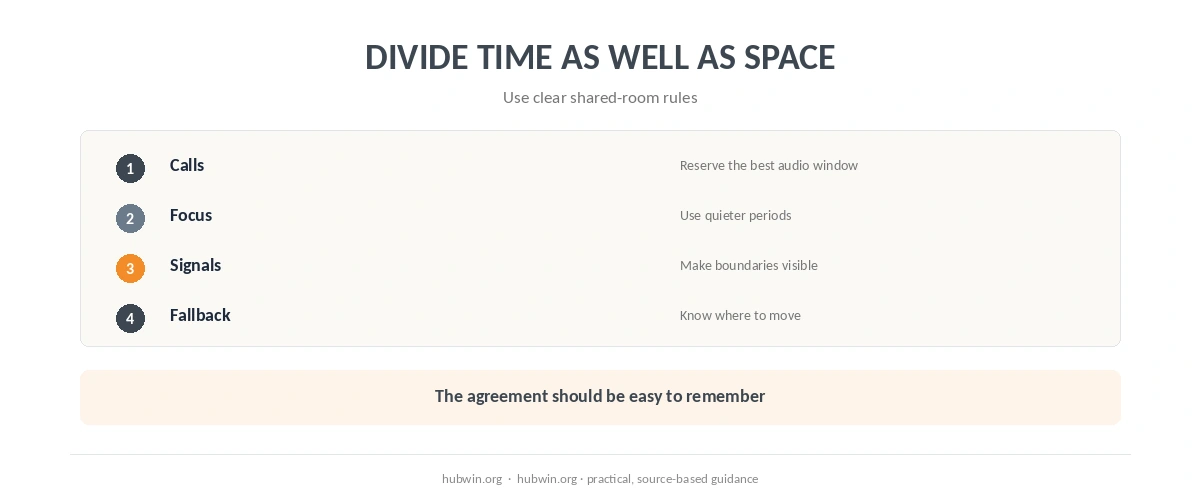
A first step in how to work from home when you share a room is agreeing on the moments that need quiet or visual privacy. One person may need the desk for a client call. The other can do quieter work elsewhere during that window. The video-call guide helps identify which meetings actually need the best background and audio conditions.
Use a visible rule that is easy to understand: a calendar block, headphones, a small sign or a shared schedule. The working-with-kids guide and work-life boundaries guide both rely on making boundaries observable rather than assuming everyone will remember them.
How to Work from Home When You Share a Room Without Fighting the Noise
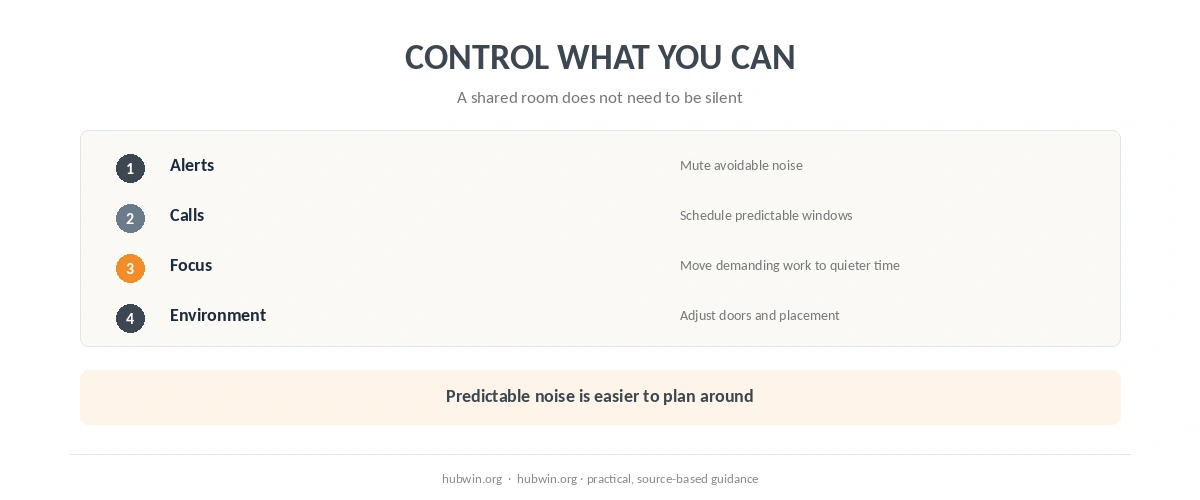
You cannot remove every sound. Start with controllable noise: alerts, speakerphone, doors, movable equipment and the timing of calls. The noise-reduction guide covers environmental changes. The noisy-home focus guide covers the work process when you cannot remove the sound.
NIOSH recommends a work-ready environment where you can control noise when possible. In a shared room, “controlled” may mean predictable rather than silent. If both people know when calls happen, they can move demanding focus work away from those windows.
Make One Small Work Zone Easy to Set Up and Pack Down
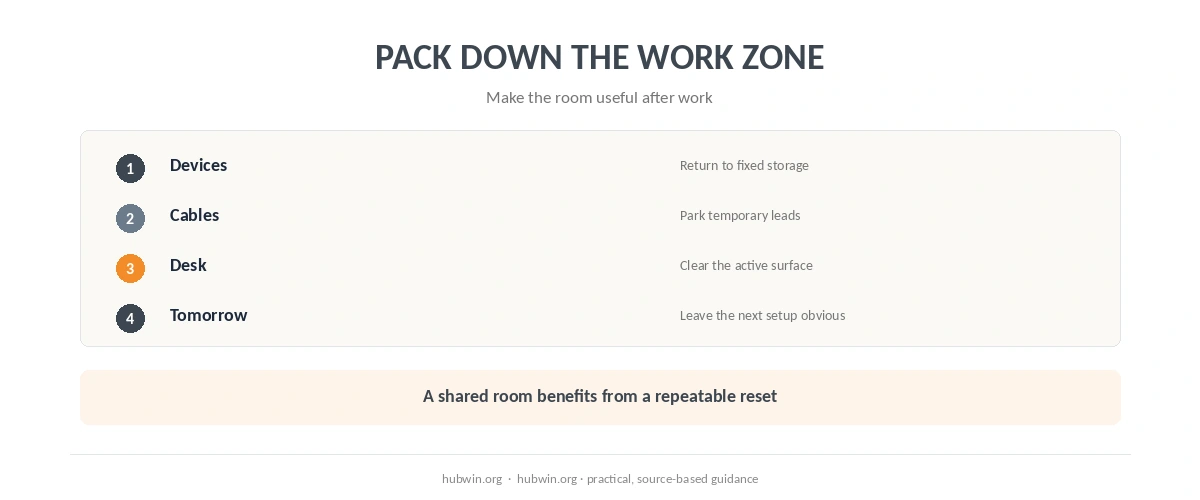
If the room also serves as a bedroom or living room, use one defined work zone. Give work items a fixed storage place for the end of the day. The bedroom office guide and apartment office guide prioritize a stable working position. The small office guide shows how to do that in a small footprint.
Keep cables and temporary equipment easy to reset. The clean cable guide is useful when two people share outlets or devices. If the workspace disappears after work, use the shutdown routine. Return the room to its non-work use.
Use the Best Spot for the Task, Not One Spot for Everything
A shared room may work better when the location changes by task. Use the main desk for typing and calls. Reading or planning can move elsewhere for a short period when the position is comfortable. HSE focuses on a comfortable, sustainable DSE setup for prolonged computer use. It does not require office-style furniture in every home. Read HSE home-working guidance. If that is the part you are changing next, see home office privacy.
The arrangement should reduce negotiation during the workday. If every call starts a new argument about who moves, simplify the rule. Use a clearer schedule or a standard fallback location.
How We Research
HubWin read NIOSH’s 2020 work-from-home guidance and current HSE guidance on display-screen work at home. NIOSH explicitly discusses people competing for workspace with family members; HSE focuses on a comfortable, sustainable workstation and self-assessment. The room-sharing framework here translates those constraints into a practical routine. Learn how HubWin researches articles.
FAQ
Not always. If schedules and tasks differ, one good desk plus a clear sharing plan may work better than two cramped setups.
Identify them in advance when possible. Give the more sensitive call the best audio location and use a fallback spot for the other person.
Reduce controllable noise and schedule demanding work in quieter windows. Use a predictable signal when interruptions should stay low.
It can. In a multi-use room, a repeatable pack-down routine can help separate work time from the rest of the room’s purpose.
For short non-computer tasks, changing location may be practical. Prolonged computer work still needs a sustainable screen, input and seating setup.
The Bottom Line
The workable answer to how to work from home when you share a room is to coordinate scarce resources. Plan quiet, desk time, call privacy and storage. A clear schedule and a repeatable setup can matter more than squeezing two permanent offices into one small room.