
Learning how to switch between focus work and calls easily starts with making the transition visible. Calls and focused tasks use different materials, attention and social demands, so do not rely on memory to hold the exact work state while you move into a meeting. A short handoff note can make the return less dependent on reconstruction.
How to Switch Between Focus Work and Calls Easily Before the Meeting
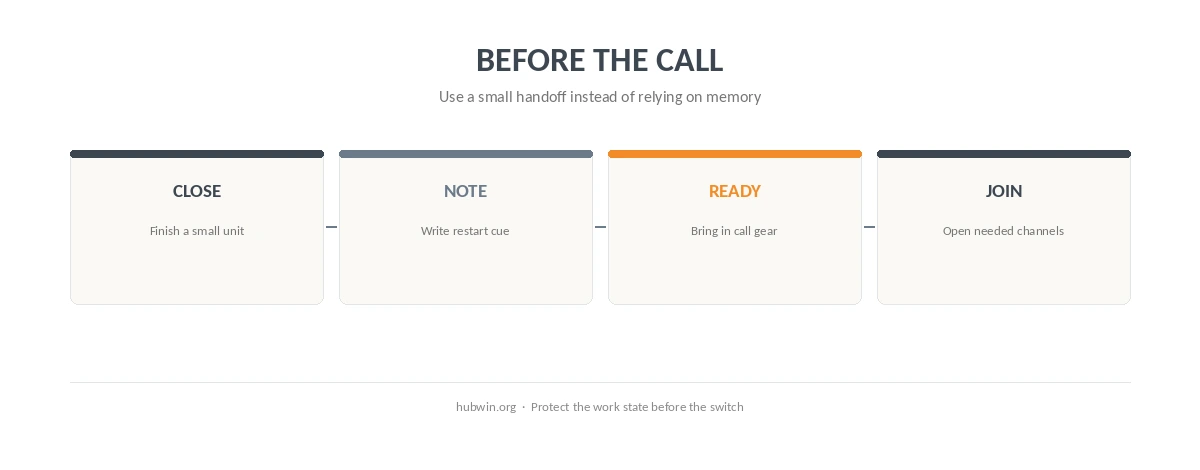
First, stop at a clear boundary when the calendar allows it. Finish a paragraph, test, calculation, or other small unit instead of abandoning the task mid-step. Leroy’s attention-residue experiments found that unfinished work can carry into the next task. The context-switching guide explains why planned boundaries are useful, while the interruption guide covers unplanned stops.
Next, how to switch between focus work and calls easily depends on leaving one restart cue before you join. Write the next action, open question, or exact file location. The faster-startup guide uses the same “first action” idea at the beginning of the day, and the end-of-day guide uses it at shutdown.
How to Switch Between Focus Work and Calls Easily Without Rebuilding the Desk
Also, keep call equipment as a movable layer instead of redesigning the entire workstation for every meeting. A headset, notebook, or webcam can have a fixed storage spot and come into the active zone only when needed. The flexible home-office guide and video-call setup guide show how to keep the core desk stable.
In a small workspace, how to switch between focus work and calls easily may mean changing only one or two things. For example, move the headset into reach and open the meeting notes, but leave the keyboard, mouse and main screen relationship alone. The small-desk organization guide and clean cable guide reduce setup friction.
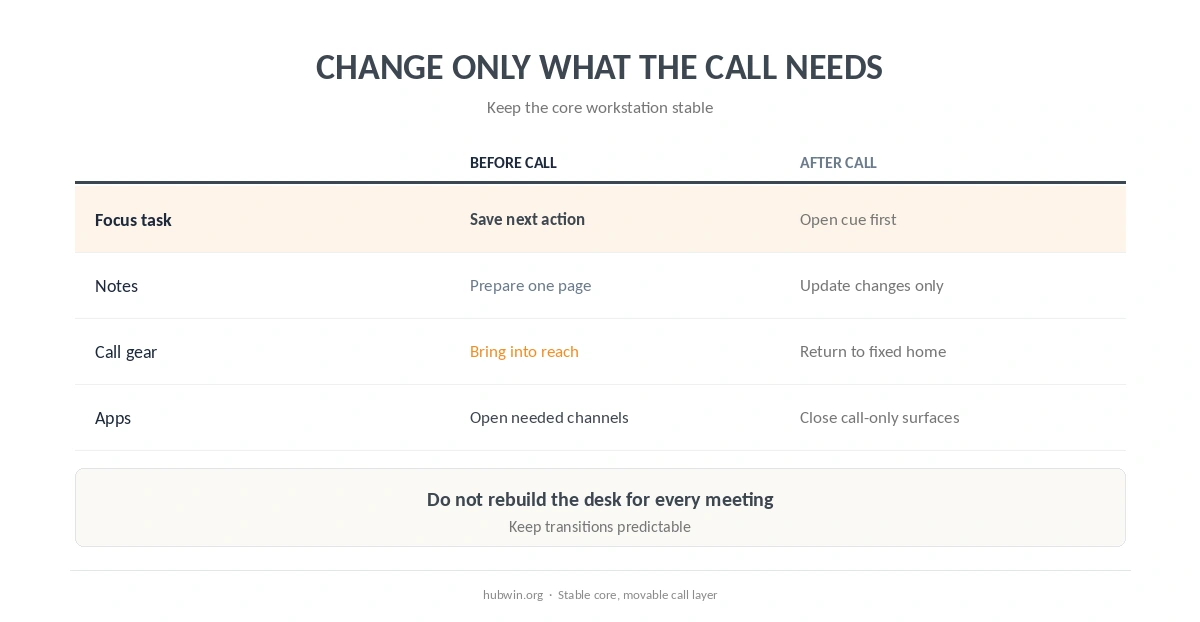
| Transition | Before the call | After the call |
|---|---|---|
| Focus task | Finish a small unit | Open the restart cue first |
| Notes | Write one next action | Update only what changed |
| Call gear | Bring headset/webcam into reach | Return it to its fixed home |
| Notifications | Open only needed channels | Close call-only surfaces |
Do Not Invent a Universal Transition Buffer
A few minutes between activities may feel useful, but the research reviewed here does not establish one ideal buffer length. Therefore, use enough time to close the current work state, prepare the meeting, and reset afterward. The better-breaks guide explains why rigid timers are not necessary, and the daily schedule guide helps reserve transitions realistically.
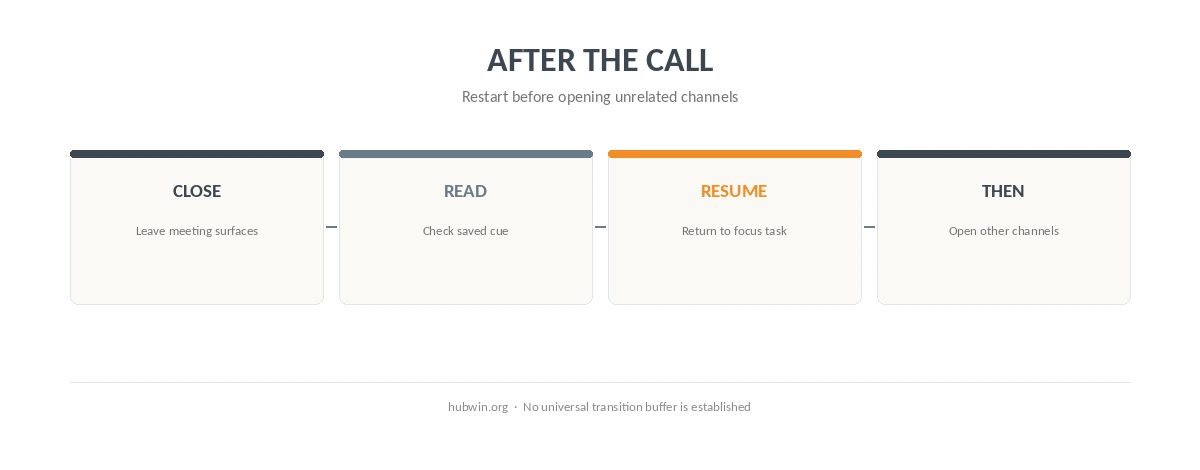
After the call, resist opening every channel at once. Return to the restart note before email, chat, or unrelated tasks pull attention elsewhere. The distraction-management guide and focus guide cover that broader signal control.
How We Research
HubWin read Leroy’s 2009 attention-residue experiments, Mark, Gudith and Klocke’s 2008 interruption experiment, and NIOSH’s working-from-home guidance. We rechecked them on October 8, 2026. The sources support careful task transitions and a work-ready environment; they do not specify one ideal pre-call or post-call buffer. Learn how HubWin researches articles.
FAQ
The sources reviewed here do not establish one universal duration. Leave enough time to save your work state and prepare the meeting.
Write one concrete next action, open question, or file location that tells you where to resume.
Not necessarily. Keep the core workstation stable and move only the gear the call needs.
Close call-only surfaces and read your saved restart cue before opening unrelated channels.
They can reduce transition opportunities. When the schedule is fixed, use the shortest practical handoff note rather than adding another complicated ritual.
The Bottom Line
The practical answer to how to switch between focus work and calls easily is to preserve the task state, move only the call-specific layer, and restart from a written next action. The professional video-call guide can improve the meeting side without turning the desk into a studio.