
This article is general information, not medical advice. If pain is severe, lasting or getting worse, talk to a doctor. Read our health disclaimer.
If you are searching for how to fix forward head posture from computer work, start with what you can observe. Treat “forward head posture” as a position, not a diagnosis that explains every symptom. Mayo Clinic says long periods with the head in one position can worsen neck pain. HSE recommends keeping the screen directly in front. It places the top around eye level and the display roughly an arm’s length away. Read Mayo Clinic neck-pain guidance.
How to Fix Forward Head Posture from Computer Work: Start With the Screen
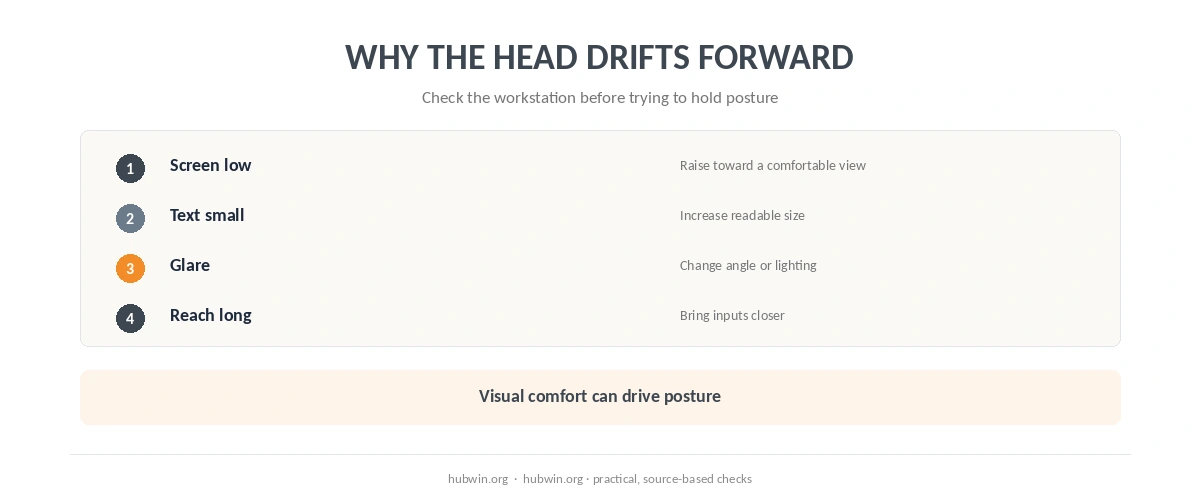
The first step in how to fix forward head posture from computer work is often to remove the reason you lean toward the display. Raise or move the screen until you can read it comfortably. The monitor-height guide compares official height guidance. The monitor-distance guide does the same for viewing distance.
If text is too small or glare makes you squint, your head may drift forward. Therefore, adjust text size or contrast before trying to hold the neck rigidly. Use the screen-glare guide when reflections are part of the problem. HSE treats screen position, lighting and readability as connected parts of the setup. See HSE posture guidance.
How to Fix Forward Head Posture from Computer Work Without Holding One Perfect Pose
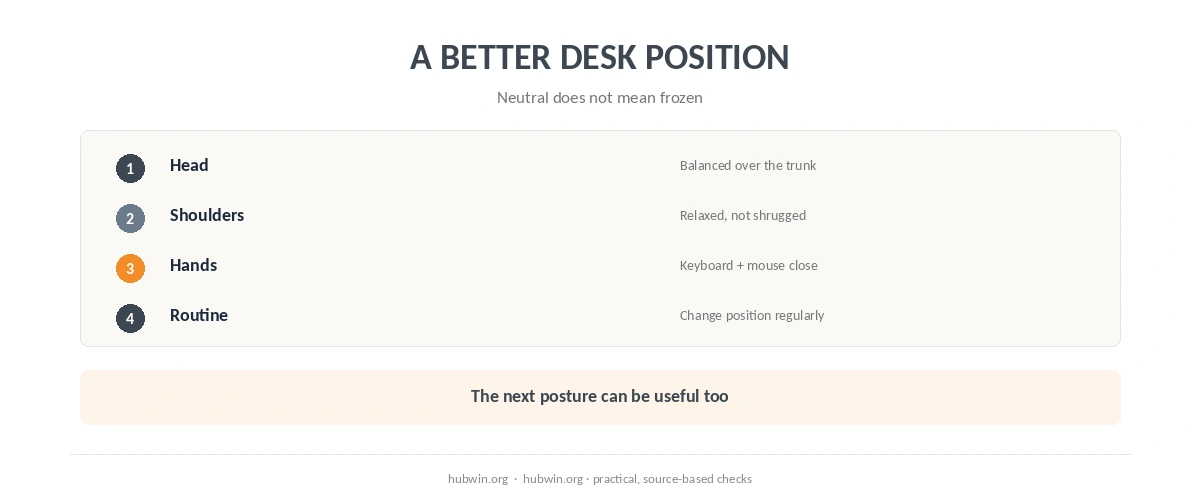
A neutral position can reduce unnecessary strain, but the goal is not to freeze the head in one exact alignment. Mayo Clinic advises good posture and regular breaks from long computer sessions. Likewise, NIOSH’s 2026 office guidance says workers should not have to sit or stand too long or use awkward postures.
Therefore, use support and movement together. The sitting-posture guide covers the whole body. Next, the daily posture checklist turns that into quick checks. Meanwhile, the microbreak guide helps you change position during long computer blocks.
Do not ignore the keyboard and mouse. If they sit too far forward, your torso and head may follow the hands. The keyboard and mouse guide keeps input devices close. The chair-adjustment guide covers seat height, back support and arm support.
Do You Need Exercises to Correct Forward Head Posture?
Exercises can be part of a clinician-guided plan. However, an article cannot tell whether a specific drill is appropriate for your neck. NHS neck guidance encourages keeping the neck moving and mentions flexibility exercises. Mayo Clinic also advises regular movement and good workstation setup. Pain, nerve symptoms and previous injury can change what is appropriate.
For general movement between desk tasks, the desk-exercise guide uses Mayo Clinic workplace movements. If you already have neck pain, use the neck-pain guide. It separates setup changes from medical warning signs.
In other words, the safest approach is not to force the chin backward all day or buy a posture brace. Instead, make the screen easy to see, keep the work close, use support, and change position. Then judge whether symptoms improve over time. For many desk workers, fixing forward head posture from computer work starts by removing the viewing and reach problems that keep pulling the head forward. To fix forward head posture from computer work safely, change the setup before trying to force a new static pose.
When to See a Doctor
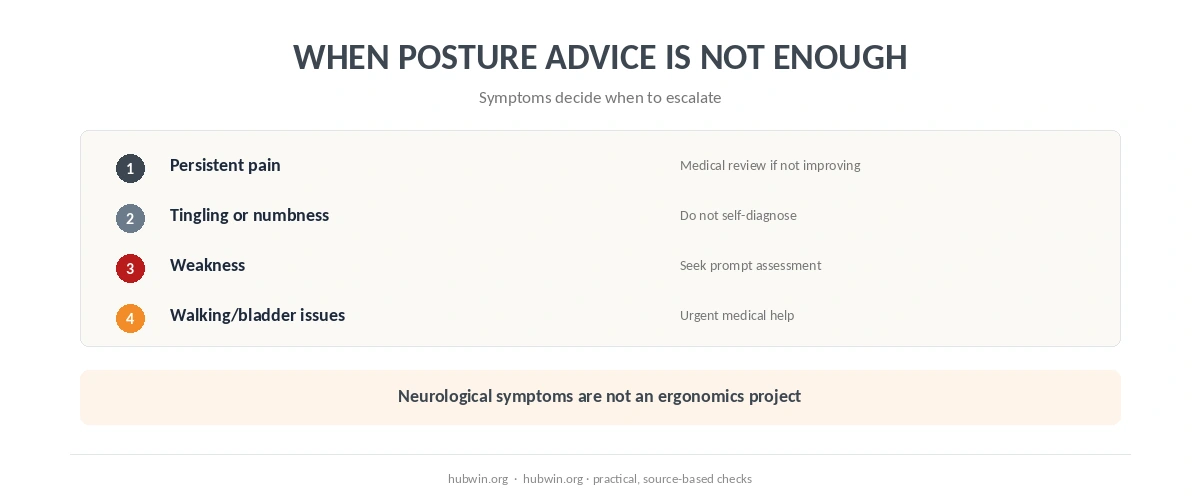
Mayo Clinic advises contacting a healthcare professional for very painful neck pain. Medical review also matters if pain does not improve after a few days or spreads into the arms or legs. Headache, numbness, weakness or tingling are additional reasons to seek care. Severe neck pain after a major injury needs emergency medical care. See Mayo Clinic warning signs.
NHS guidance recommends medical assessment when neck pain or stiffness lasts for a few weeks. Pins and needles or a cold arm also need attention. Urgent warning patterns include rapidly worsening severe pain and limb weakness or heaviness. Walking problems, loss of coordination, or bladder and bowel changes can need urgent help. Read NHS urgent neck warning signs.
How We Research
HubWin read Mayo Clinic neck-pain guidance and HSE display-screen posture guidance on October 8, 2026. We also checked NIOSH’s 2026 office-environment guidance and NHS neck warning signs. In this article, “forward head posture” is descriptive. HubWin does not claim one posture causes all neck symptoms or that a workstation change permanently corrects anatomy. Learn how HubWin researches articles.
FAQ
No single posture explains every symptom. The practical concern is prolonged or repeated positions that feel uncomfortable or are linked with pain.
Official guidance uses eye level or slightly below as a starting point, while also considering viewing distance, screen size and individual needs.
That is not the goal. A supported workstation and regular movement are safer general strategies than holding another rigid posture.
They do not address screen height, viewing distance, reach or work routine. Persistent symptoms should be assessed rather than managed only with a brace.
Seek medical advice for severe, persistent or worsening pain, or symptoms such as weakness, numbness, tingling, pain spreading into a limb, walking problems or bladder or bowel changes.
The Bottom Line
A safe answer to how to fix forward head posture from computer work starts with the workstation. It does not promise to permanently correct posture. Make the screen easy to see and keep the hands close. Support the body, move regularly and get medical help for persistent or neurological symptoms.