
How to keep only what you use on your desk is mostly a placement problem, not a minimalism contest. OSHA’s workstation checklist gives a useful rule: frequent items belong within easy reach, while occasional items can sit farther away. That lets you clear the active area without pretending an empty desk automatically improves productivity. See OSHA’s workstation checklist. For a practical next step, see folding desk.
How to Keep Only What You Use on Your Desk: Sort by Frequency
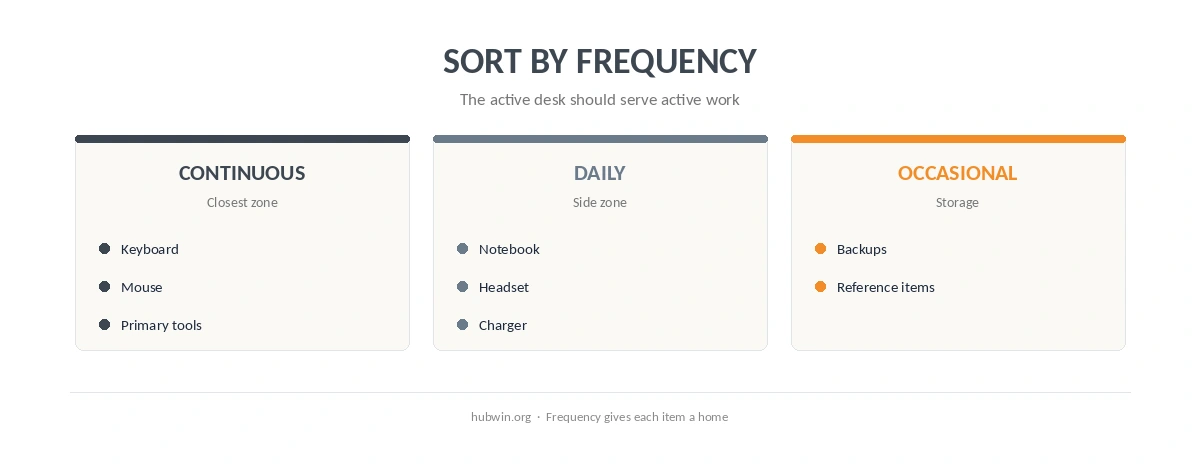
Start with three groups: continuous, daily and occasional. Continuous items are the keyboard, mouse and primary screen. Daily items might include a notebook, headset or charger. Occasional items should leave the main surface. This approach works well with the small-desk organization guide because it uses reach instead of aesthetics as the deciding rule.
A useful way to keep only what you use on your desk is to notice what never gets touched during a normal workday. Move those items into one nearby holding place for a week. If you need something, return it deliberately. If not, give it a permanent home away from the working surface. The decluttering guide uses a similar test.
How to Keep Only What You Use on Your Desk Without Creating More Friction
Do not hide tools you reach for every hour just to make the desk look cleaner. OSHA’s rule favors easy access for frequent items. Therefore, a headset hook, small tray or one charging point can be more functional than a perfectly bare surface. The goal is fewer unnecessary objects, not more steps between you and routine work. The minimal office checklist helps when you are deciding what truly needs a permanent place.
If you are deciding how to keep only what you use on your desk, deal with cables at the same time. Loose charging leads and adapters can occupy more working area than the devices themselves. Use the under-desk cable guide and home-office cable guide to move infrastructure away from the surface. The beginner setup guide can help separate daily essentials from equipment that does not need desk space.
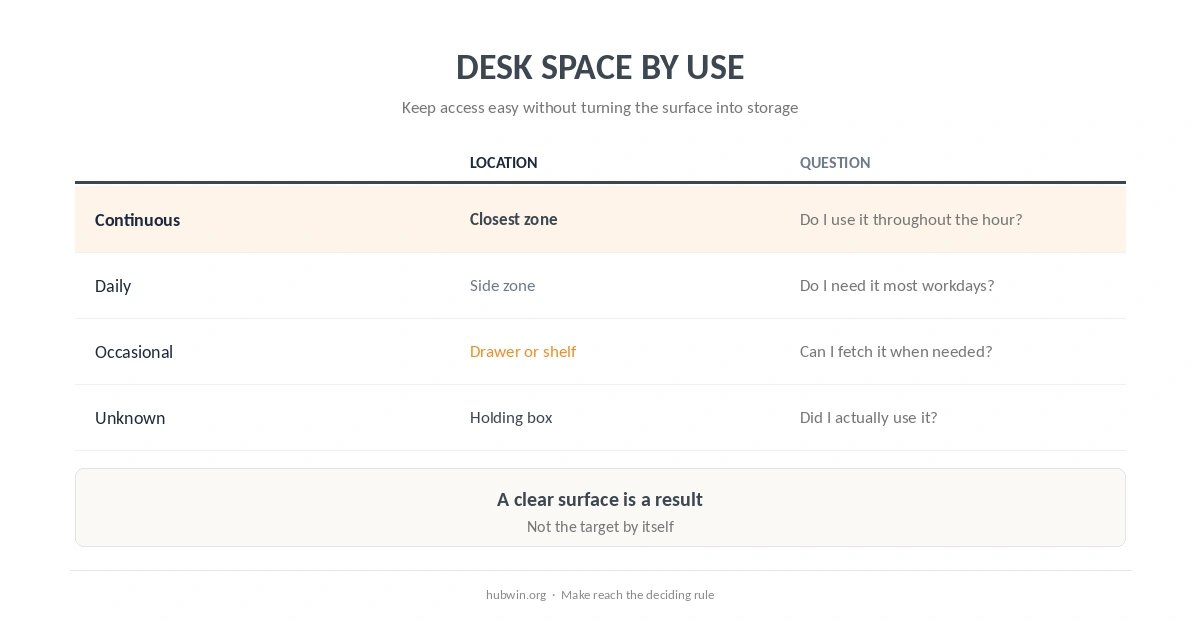
| Use frequency | Best location | Question to ask |
|---|---|---|
| Continuous | Closest work zone | Do I touch it throughout the hour? |
| Daily | Side zone or small tray | Do I need it most workdays? |
| Occasional | Drawer, shelf or cabinet | Can it wait until I deliberately fetch it? |
| Unknown | Temporary holding box | Did I actually use it this week? |
Do Not Oversell the Psychology of a Clean Desk
Research on visual clutter shows that competing visual information can affect visual search and attention. However, much of that work studies screens or controlled visual tasks, not a real home-office desktop. A 2015 ergonomics review describes clutter as a problem when it creates measurable performance or attentional costs. It does not prove that every visible notebook or mug reduces productivity. Read the display-clutter review.
For that reason, organize around task friction. Keep the tool you need. Remove duplicates. Give temporary items a landing place. Then use the daily tidy routine and easy-maintenance guide so the system does not require a weekly overhaul. A related organization guide covers desk drawers.
How We Research
HubWin read OSHA’s current computer-workstation evaluation checklist and the 2015 peer-reviewed review of display clutter on October 8, 2026. We use OSHA for reach and placement. We cite clutter research only for the narrower point that excess visual information can create attentional costs in some tasks. Learn how HubWin researches articles.
FAQ
No. Keep the tools you use often and remove items that do not support the work happening there.
Use frequency. Continuous and daily tools stay close; occasional tools can move to storage.
The evidence does not support a universal claim. Reducing unnecessary visual competition may help some tasks, but a functional layout matters more than visual emptiness.
Put them in a temporary holding box for several workdays. Return only the items you actually need.
Keep the connection you use regularly accessible, but route spare cables and power hardware away from the active work surface when possible.
The Bottom Line
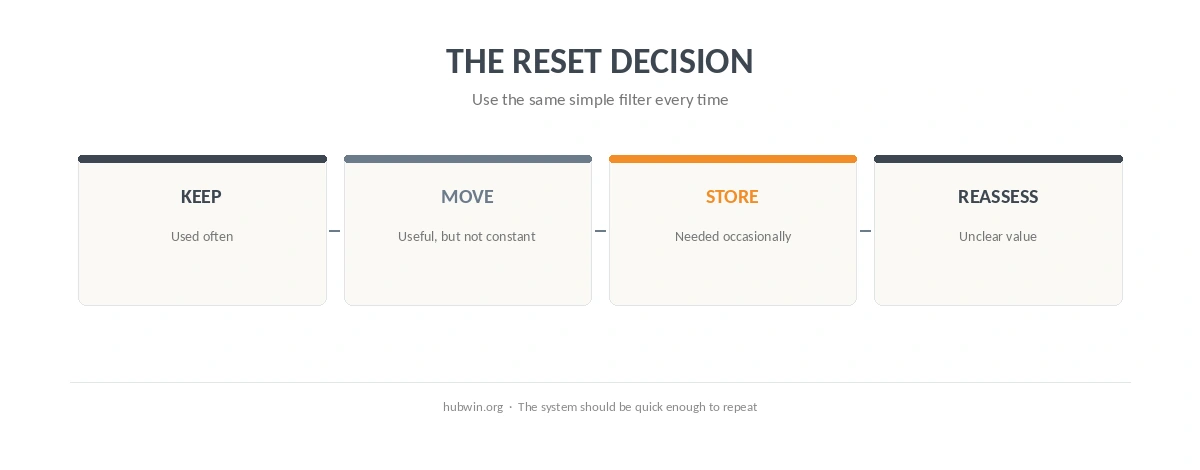
The practical answer to how to keep only what you use on your desk is to sort by frequency, not appearance. Keep routine tools easy to reach. Move occasional items out of the active zone. Then make the reset simple enough to repeat. If visual distraction is the larger problem, use the distraction-free office guide instead of treating every object as clutter.